

Writing image descriptions can seem tricky for beginners, but it’s crucial for accessibility. Start by understanding their purpose: they help those who are blind or visually impaired. Using the Object-Action-Context framework is key; identify what’s in the image first, then explain what’s happening, and finally describe the environment.

Beginners can leverage AI image description tools to see this framework in action—these tools automatically analyze images and structure descriptions accordingly, providing a learning template. Clarity matters too—stick to plain language without embellishments, and focus on being accurate instead of lengthy. Avoid repetitive phrases like “image of,” jump right into important details instead.
Always consider your audience and context, as learning when to integrate keywords for SEO can boost discoverability but avoid cramming them in just anywhere. AI tools can streamline this balance by suggesting contextually relevant keywords while maintaining natural, accessible language.
2. Use Object-Action-Context Framework

The Object-Action-Context framework is a practical tool that simplifies the process of crafting AI image descriptions. Begin by clearly identifying the object, which is the main focus of the image, whether it’s a person, place, or thing. Next, describe the action related to the object, detailing what it is doing or what is occurring around it in the image.
For example, if the image shows a dog playing in a park, the object is the dog, and the action would be ‘playing.’ Finally, provide context by adding details about the setting, such as ‘in a sunny park with children playing nearby.’ This structure not only keeps your description organized but also helps ensure you don’t overlook important details.

It can be adapted for various types of images, from simple snapshots to more complex scenes. To enhance clarity, consider using bullet points if there are multiple actions or contexts to describe. Remember to avoid overly technical language in your action description; instead, aim for relatability and simplicity. As an added benefit, using this framework serves as a checklist, ensuring that all necessary elements are included in your description.
| Element | Description |
|---|---|
| Object | Identify the main focus of the image. |
| Action | Detail what is happening with the object. |
| Context | Provide information about the setting and background. |
| Adaptability | Use this framework for various image types. |
| Clarity | Helps in organizing details and avoiding omissions. |
| Checklist | Use it as a checklist to ensure all elements are covered. |
3. Write in Plain Language
Using plain language in AI image descriptions is crucial for making them accessible to everyone. By simplifying your vocabulary, you ensure that a wider audience can grasp the details you are conveying. Stick to clear and straightforward words, steering clear of jargon or complex phrases that might confuse readers. Short sentences can greatly improve readability, allowing you to maintain clarity while still including key details.

It is essential to focus on objective descriptions without infusing personal opinions. This means avoiding subjective language and instead, sticking to what is observable in the image. Use technical terms sparingly and only if they are commonly understood by your audience. Active voice can make your descriptions more engaging, so aim to use it whenever possible.
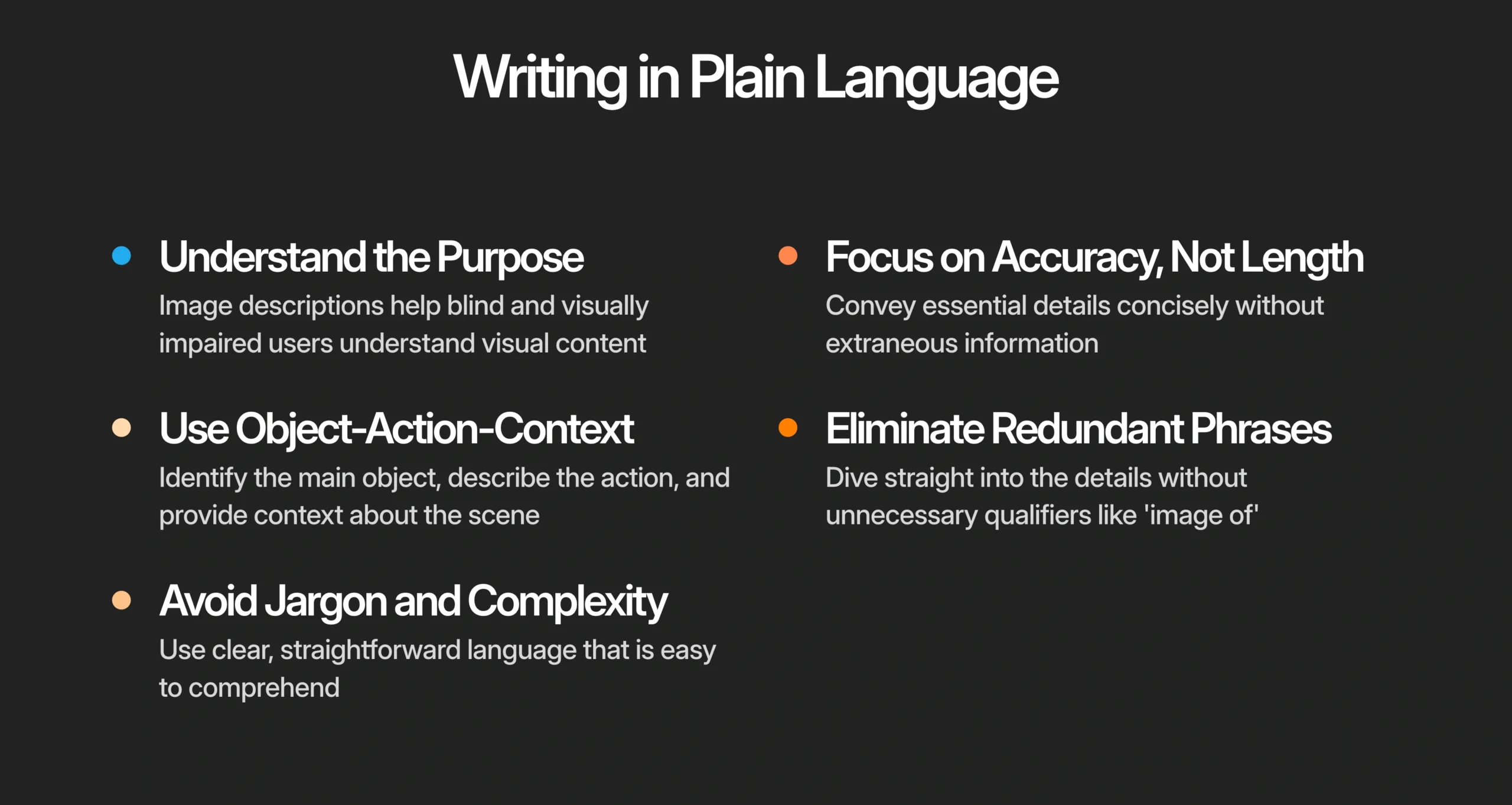
Incorporate descriptive adjectives that add depth to the image without going overboard. Always think about who will be reading your descriptions; adjust the complexity based on their familiarity with the topic. A good practice is to read your descriptions aloud, which can help you ensure they sound natural and are easy to understand.
- Simplifying language makes descriptions more accessible to a broader audience, ensuring everyone can understand them.
- Use clear and straightforward vocabulary, avoiding jargon and complex phrases that may confuse readers.
- Short sentences can enhance readability; aim for clarity without sacrificing important details.
- Avoid subjective language; focus on objective descriptions that convey what is actually in the image.
- Limit the use of technical terms unless they are essential and widely understood by your audience.
- Use active voice to create a more engaging reading experience.
- Incorporate descriptive adjectives that enhance the image without being overly flowery.
- Always keep the audience in mind; adjust language complexity based on their likely familiarity with the subject matter.
- Read descriptions aloud to ensure they sound natural and clear.
4. Focus on Accuracy, Not Length
When describing images, accuracy should always take precedence over length. It’s important to convey the right information succinctly. Avoid filler words that don’t add value; instead, concentrate on the essential elements of the image. For instance, if an image depicts a busy street scene, rather than describing every person and vehicle, you might focus on the main subjects, such as a bicycle courier in the foreground and a colorful market in the background.
In cases where the image is complex, break down the details into digestible parts without sacrificing accuracy. Be specific and avoid vague terms that could lead to misinterpretation, like saying “some people” when you can specify “two children playing with a red ball.” Always double-check factual details to prevent misinformation; this ensures you’re providing a reliable description.
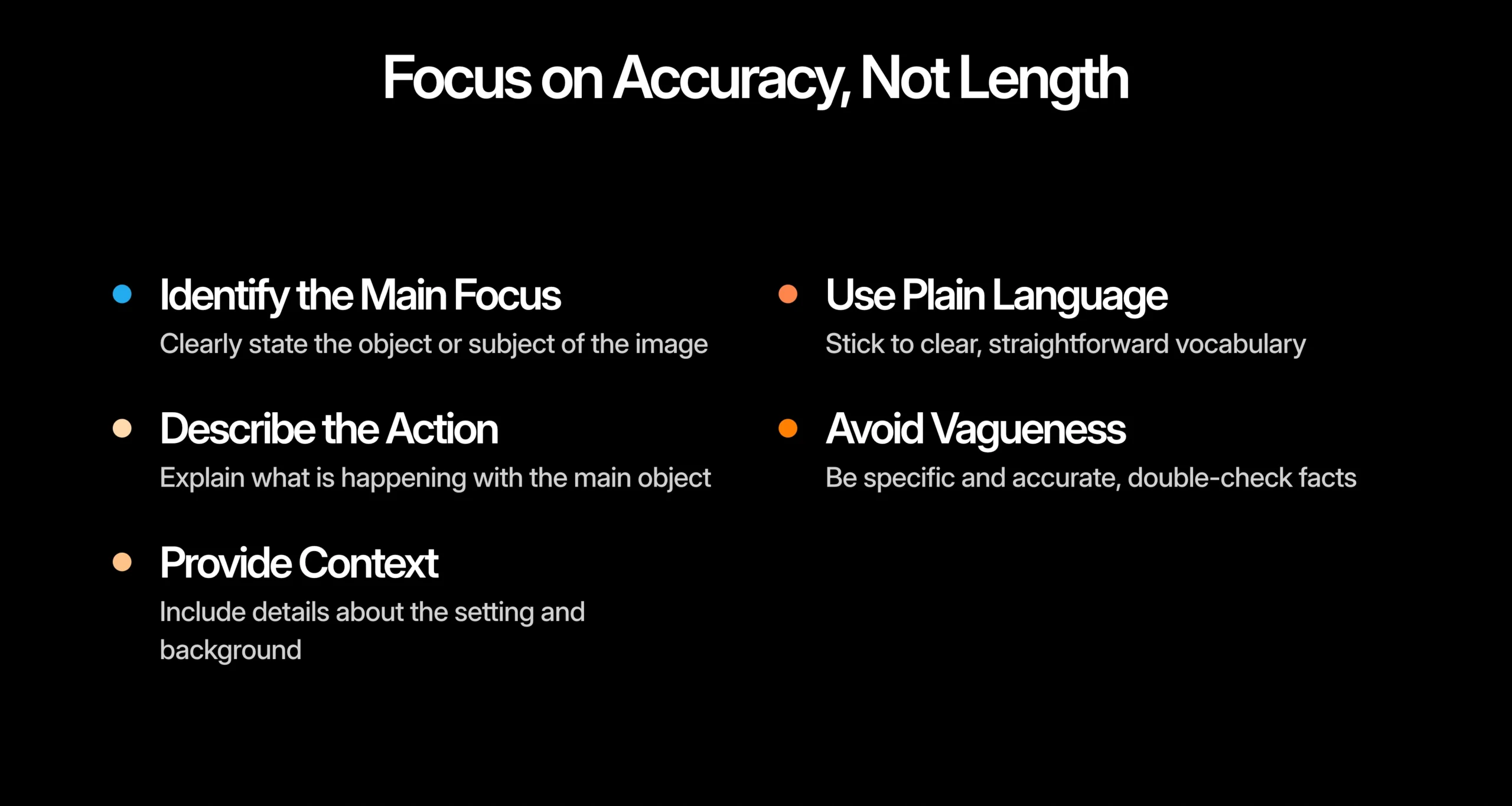
Strive for a balance between being concise and including enough detail for understanding. Use visual cues to identify what aspects of the image are most critical to describe. When in doubt, consider feedback from users who may have encountered your descriptions. Their insights can help you refine what information is truly helpful. Remember that different images may necessitate different levels of detail based on context; a scientific diagram may require more technical accuracy compared to a casual photo for social media.
5. Avoid Redundant Phrasing
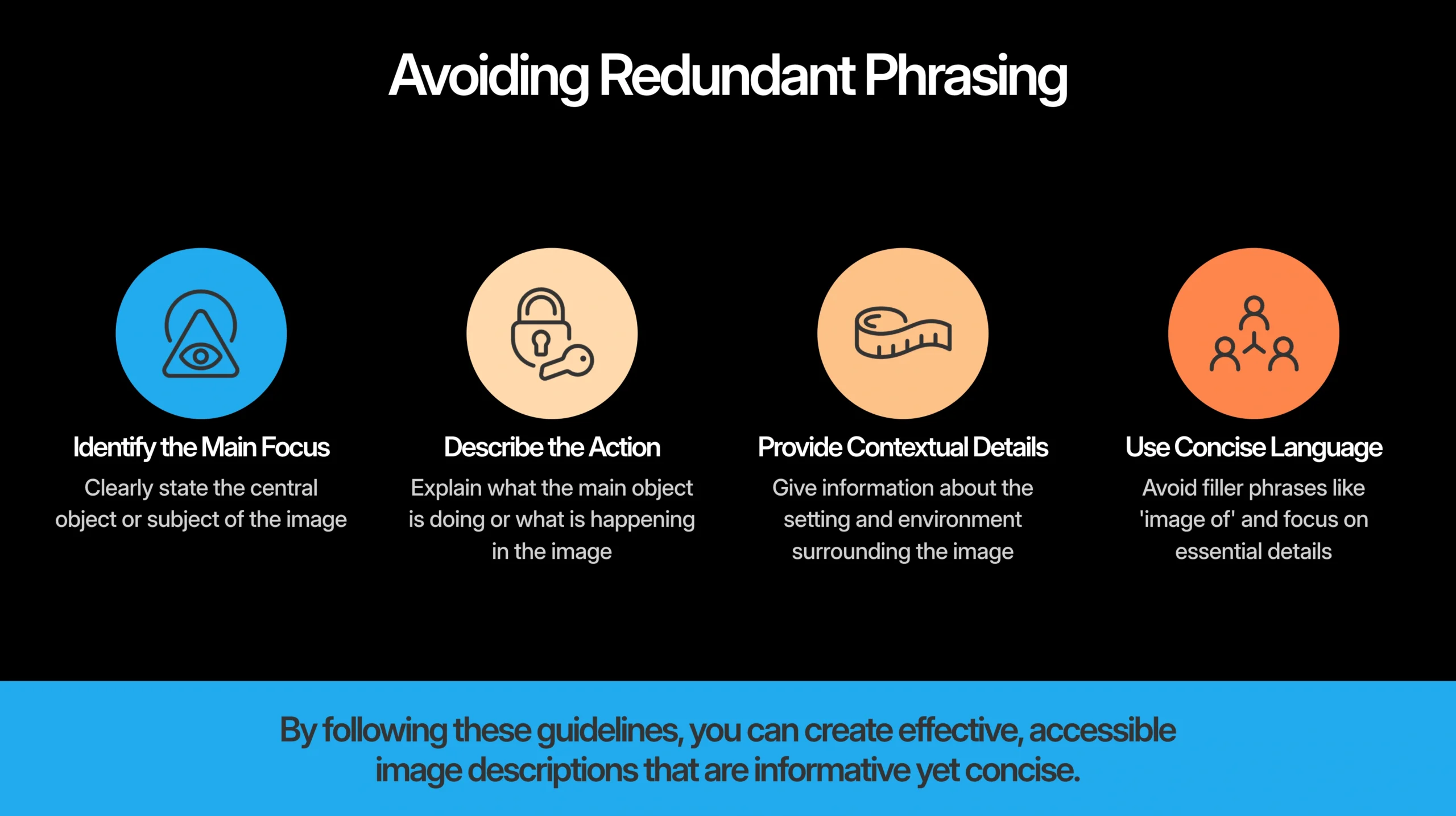
When crafting image descriptions, it’s important to cut out unnecessary phrases like “image of” or “photo of”. Readers already know they are looking at an image, so it’s more effective to dive straight into the details. Use direct language that gets to the point quickly, making for a more engaging experience. Avoid repeating information that can be inferred from the image itself or the surrounding text, as this keeps your descriptions concise and reduces reader fatigue. Focus on what’s unique or noteworthy about the image instead of stating the obvious.
If you’re dealing with multiple images, use a consistent format for descriptions but steer clear of redundancy across them. Transitions between ideas should guide readers without reiterating previously mentioned points. It’s also wise to minimize qualifiers like “very” or “really” that do not add significant value. Before finalizing your descriptions, take a moment to review and identify any redundant phrases that can be eliminated.
6. Consider Context and Audience
When writing image descriptions, it’s crucial to consider both the context and the audience. Tailoring your descriptions to fit the medium is essential. For instance, a blog post may need more detailed descriptions than a quick social media update. Understanding your audience’s needs is equally important; academic readers might appreciate in-depth information, while casual readers often prefer concise, straightforward descriptions.
Cultural backgrounds also play a role in how visuals are interpreted, so be mindful of this when crafting your descriptions. Use relatable examples that your specific audience can connect with, enhancing their understanding of the image.
Additionally, the purpose of the image matters. Is it meant to inform, entertain, or persuade? Adjust your tone accordingly to align with the overall tone of the content. If you’re unsure, seek feedback from members of your target audience to ensure your descriptions resonate well.
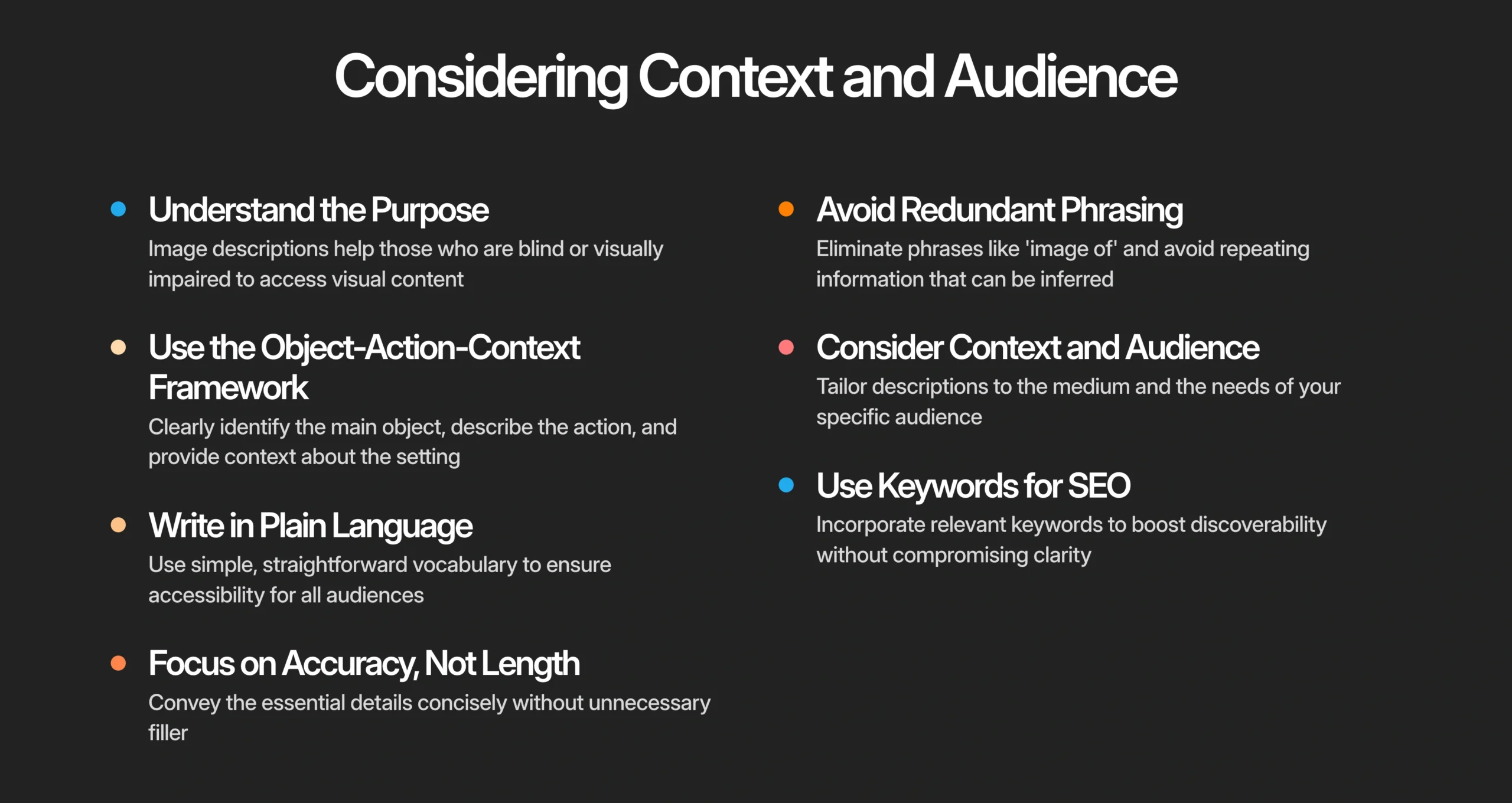
Context clues from surrounding text can guide you on which details to emphasize, ensuring relevance. Staying updated with audience preferences and trends will help keep your descriptions fresh and engaging.
7. Use Keywords for SEO
Incorporating relevant keywords into your image descriptions can significantly boost their searchability. To start, research popular search terms related to your image topic. This helps you identify the right keywords to include. When adding these keywords, make sure they fit naturally within the text to maintain clarity. Avoid keyword stuffing, as this can make your descriptions sound awkward and could negatively affect your SEO. Instead, consider using synonyms and variations of your main keywords to expand the relevance of your descriptions while keeping the language fluid.
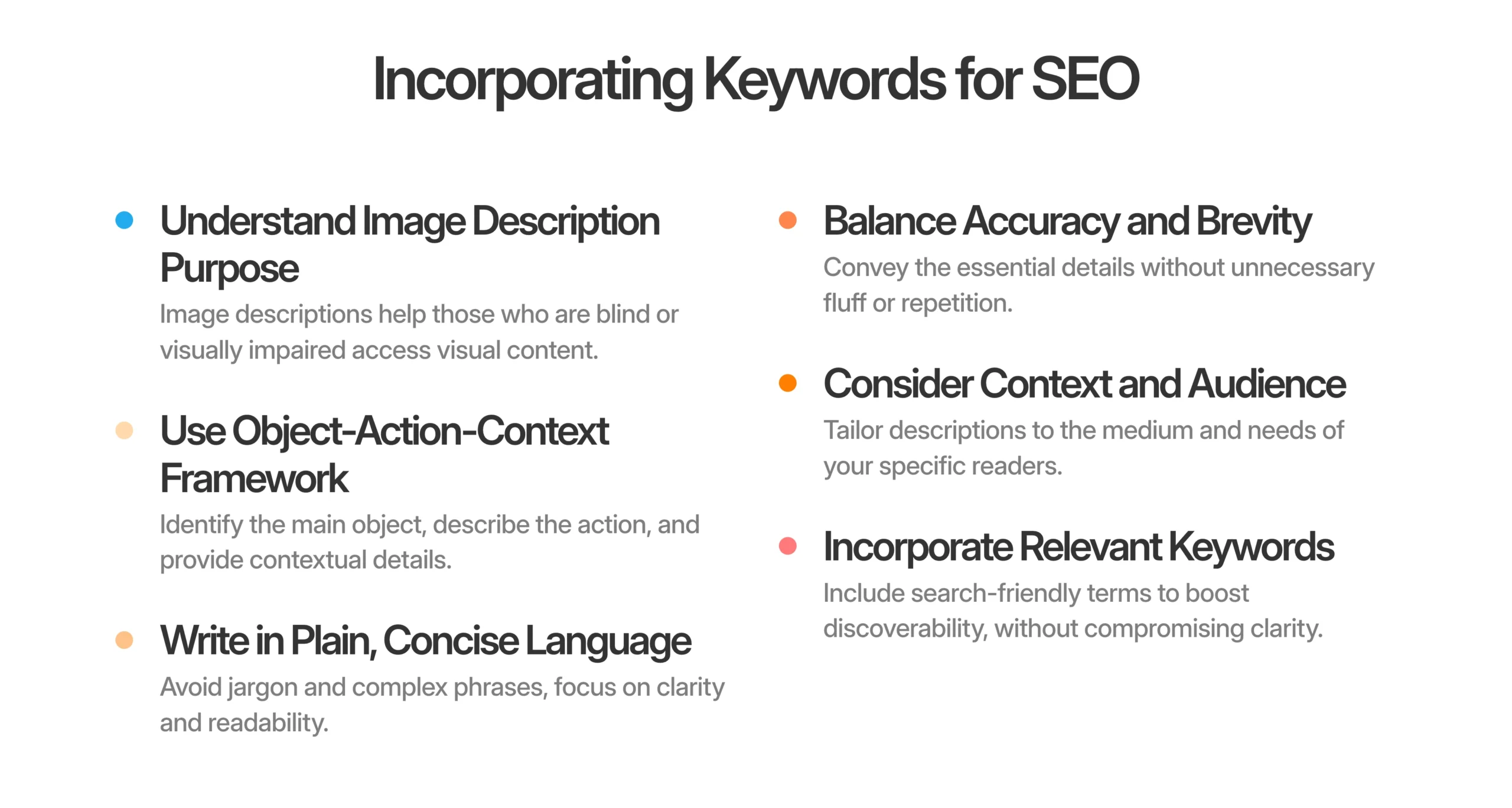
It’s also wise to place important keywords towards the beginning of your descriptions for better impact. Strive for a balance between being user-friendly and optimized for search engines. Remember, the primary goal is to serve your audience. Regularly review and update your keywords based on analytics insights and trending terms to ensure your descriptions remain effective over time. Additionally, you might want to use tools that analyze keyword effectiveness, allowing you to adjust your descriptions as needed. By prioritizing user experience and clarity, you can create descriptions that meet both accessibility and SEO best practices.
Frequently Asked Questions
What is an image description and why is it important?
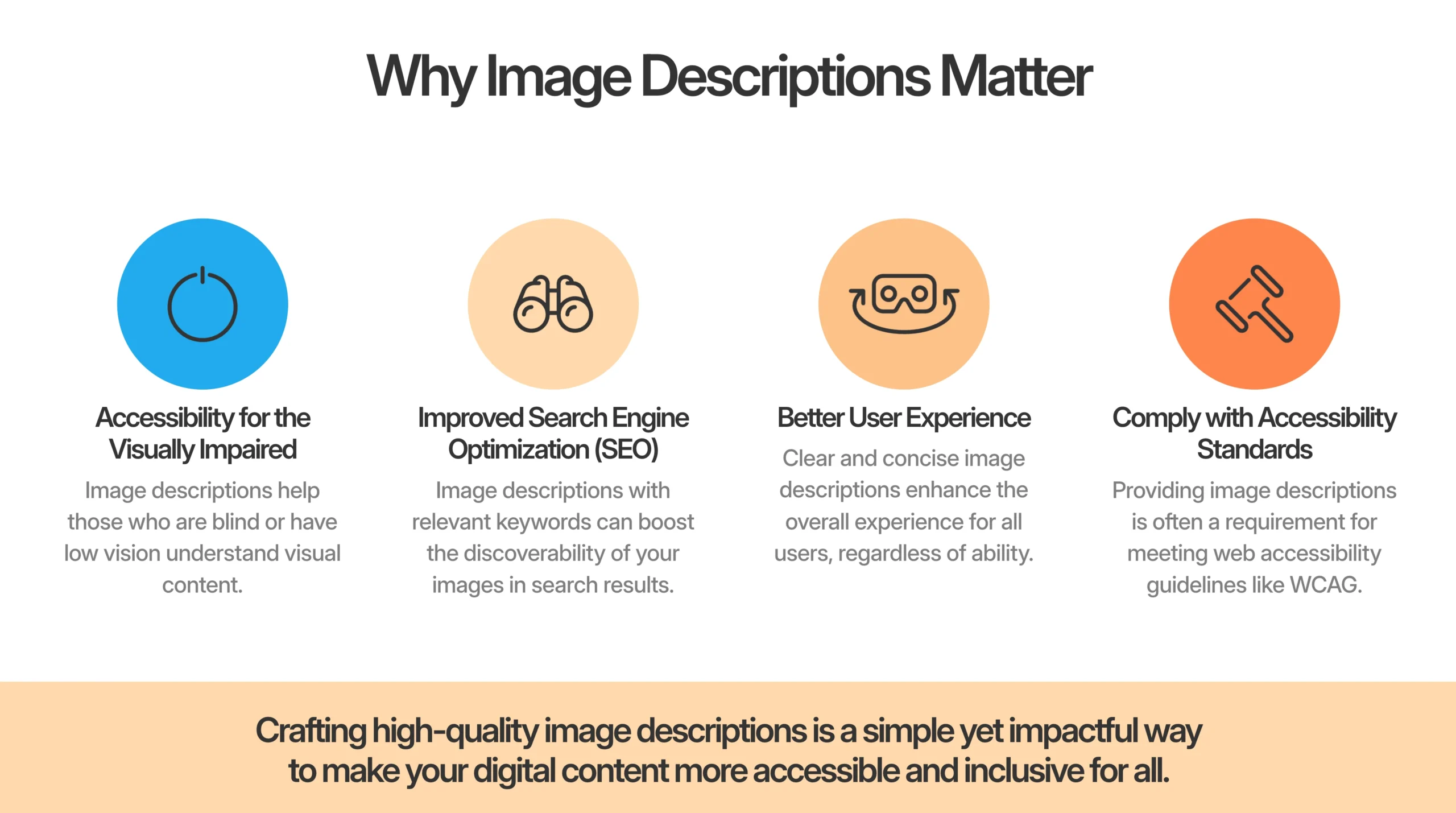
An image description is a text that explains what is in a photo or graphic. It’s important because it helps people understand the content, especially those who cannot see the images. It’s also useful for search engines to better index the images.
How do I start writing image descriptions for my pictures?
Begin by looking closely at your image. Think about the main elements and what story the image tells, then write a clear, concise explanation of those details.
What details should I include in my image descriptions?
Include key aspects like colors, shapes, actions happening, emotions involved, and any relevant context. This helps create a vivid picture for the reader.
How long should an image description be?
An image description should generally be one to two sentences long. Keep it short but informative, so it gives a clear idea of what the image shows without being overwhelming.
Can image descriptions help with SEO?
Yes, good image descriptions can improve SEO. When you use relevant keywords and phrases, it helps search engines understand your images better, which can lead to more visibility in search results.
TL;DR To create effective image descriptions, start by understanding their purpose for accessibility. Use the Object-Action-Context framework to structure your descriptions, writing in plain language for clarity. Focus on accuracy rather than length, and avoid redundancy by omitting phrases like “image of.” Tailor your descriptions to the audience and context, and incorporate relevant keywords for SEO without stuffing.
Remember to include personal identifiers only when necessary, transcribe text in images, and spell out abbreviations for better understanding. With practice, you can enhance accessibility and improve digital content quality.

I’m a flexible writer and good at making content. People know me for my interesting stories and social media posts. I interact with a wide range of people on a variety of platforms because I can write stories that are both interesting and thought-provoking. My writing covers a range of genres, and I use emotional depth and incisive observation to make stories and articles that stick with individuals. In addition to writing, I love helping other authors get started and am involved in literary communities through events and seminars. When I’m not writing, I like to spend time outside and find inspiration in daily things.
Leave a Reply