
Understanding Image Descriptions and Their Critical Role in Digital Accessibility
Visual content has become the primary language of the internet. From social media posts to professional presentations, websites to educational materials, images have become an integral part of how we communicate and share information. However, for millions of people who are blind, have low vision, or use assistive technologies, these visual elements can create significant barriers to accessing information. This is where image descriptions become not just helpful, but essential.

Image descriptions are textual representations of visual content that provide detailed information about what appears in an image. They serve as a bridge between visual and textual information, ensuring that everyone, regardless of their ability to see the image, can understand and engage with the content being presented. Unlike simple labels or brief annotations, well-crafted image descriptions paint a comprehensive picture with words, allowing users of screen readers and other assistive technologies to fully participate in the digital conversation.
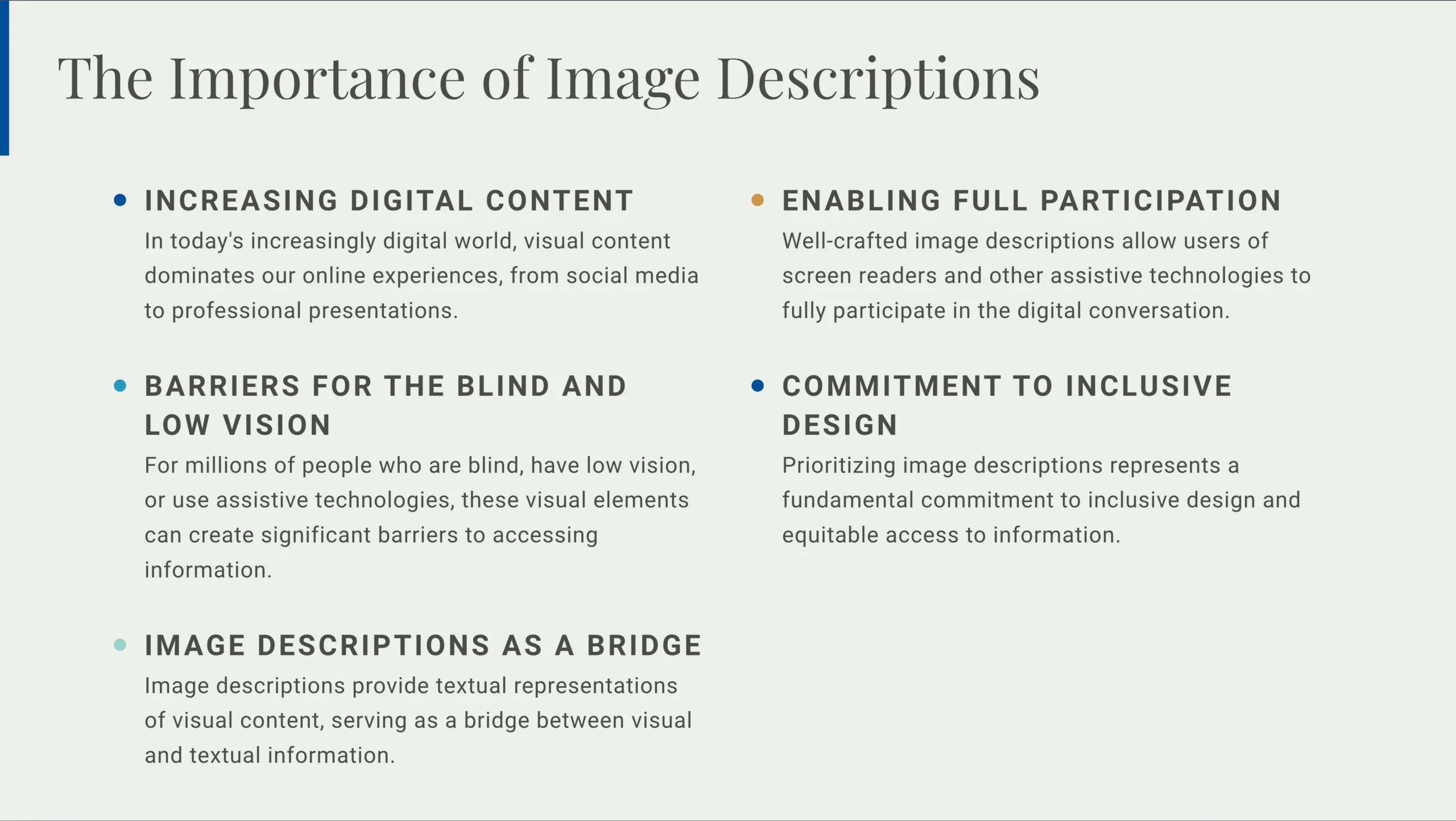
The importance of image descriptions extends beyond accessibility compliance. They represent a fundamental commitment to inclusive design and equitable access to information. When organizations and individuals prioritize image descriptions, they acknowledge that diverse audiences consume content in different ways and that visual information must be available in alternative formats to be truly accessible.
The Distinction Between Alt Text, Image Descriptions, and Captions
Understanding the relationship between alt text, image descriptions, and captions is crucial for anyone working to make digital content more accessible. While these terms are sometimes used interchangeably, they serve distinct purposes and have different technical implementations.
Alt text, short for alternative text, functions as a brief textual explanation embedded in the coding of digital graphics. It appears when an image fails to load on a website or when a screen reader encounters the image. Alt text should be concise, typically limited to around 125 characters, and should convey the essential information or function of the image. For instance, if an image shows a company logo, the alt text might simply read “Company Name Logo” rather than describing every visual element of the design.
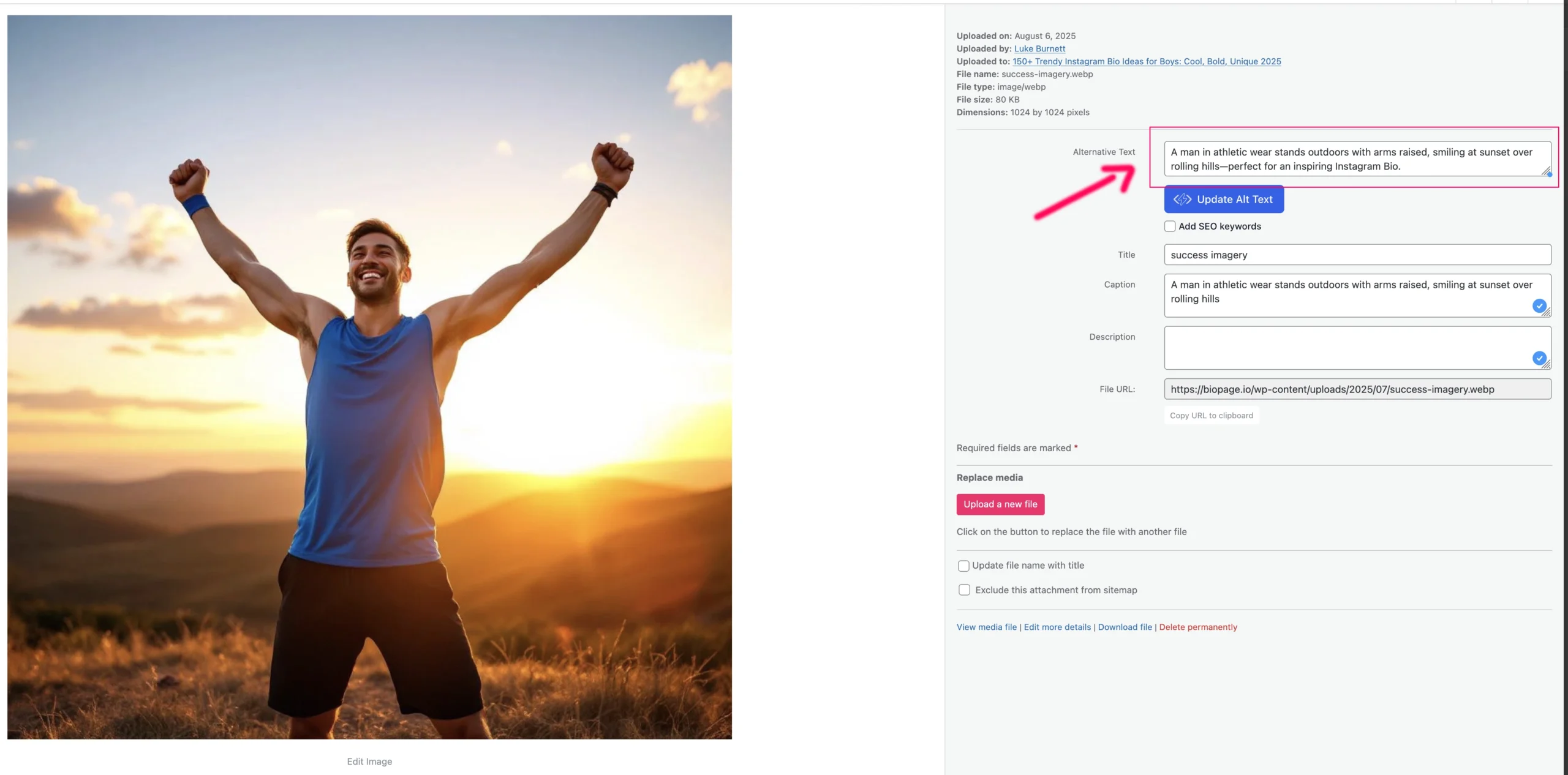
Image descriptions, by contrast, provide much more detailed explanations of visual content. They offer comprehensive textual access to images, describing not only what is present but also relevant aesthetic details, spatial relationships, colors, expressions, and other visual elements that contribute to understanding. Image descriptions can be several sentences or even paragraphs long, depending on the complexity of the visual content. They may be placed in the alt text field if the platform supports longer descriptions, included in the body text near the image, or provided through expandable elements or linked documents.
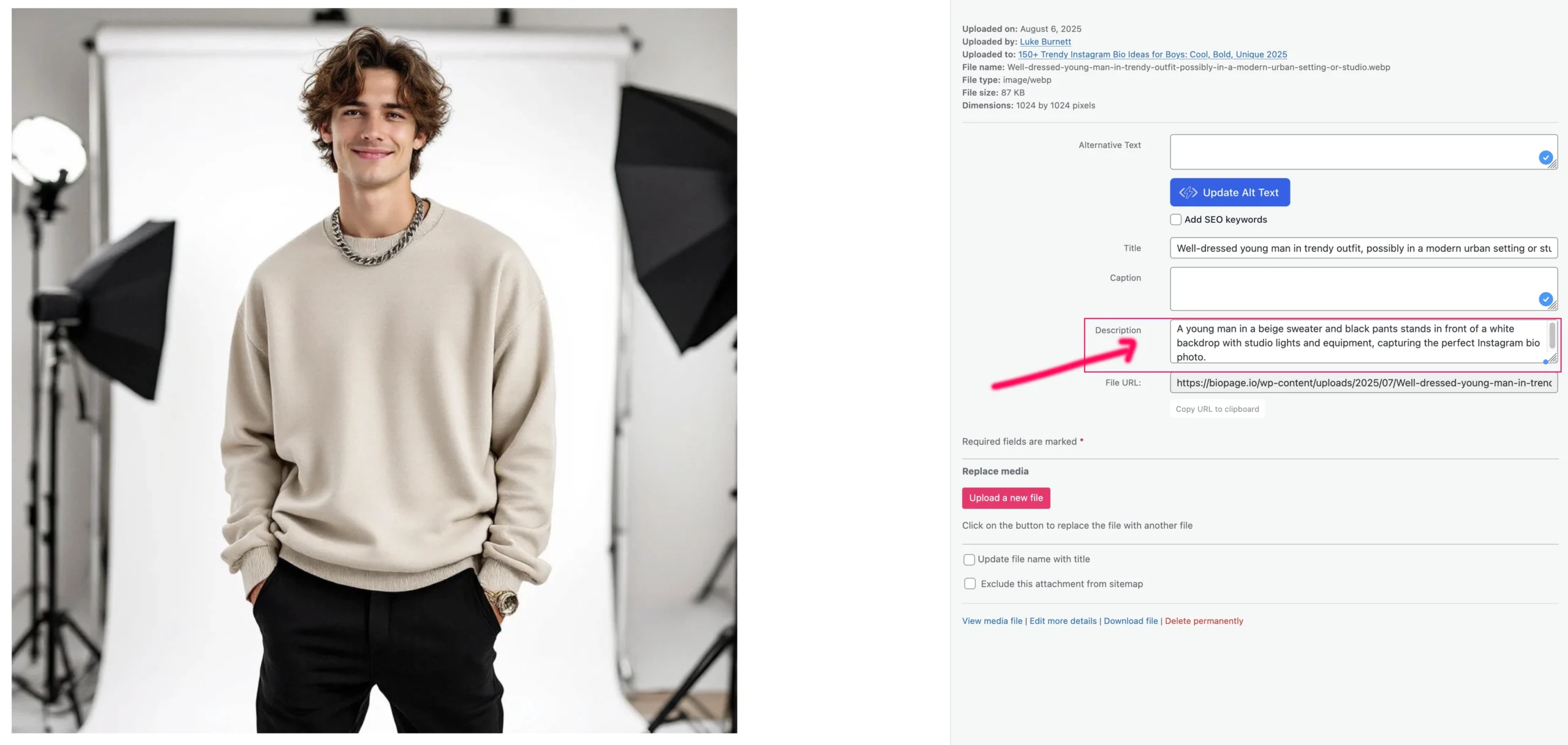
Captions serve yet another purpose entirely. Rather than describing what appears in an image, captions typically provide context, attribution, or supplementary information about the image. A caption might explain when or where a photo was taken, identify people in the image, or provide additional facts related to the visual content. Captions are visible to all users and can complement but should never replace alt text and image descriptions.

For optimal accessibility, digital content should include both alt text and image descriptions. This dual approach ensures that users can access information at different levels of detail depending on their needs and the context in which they encounter the content.
When Image Descriptions Are Necessary
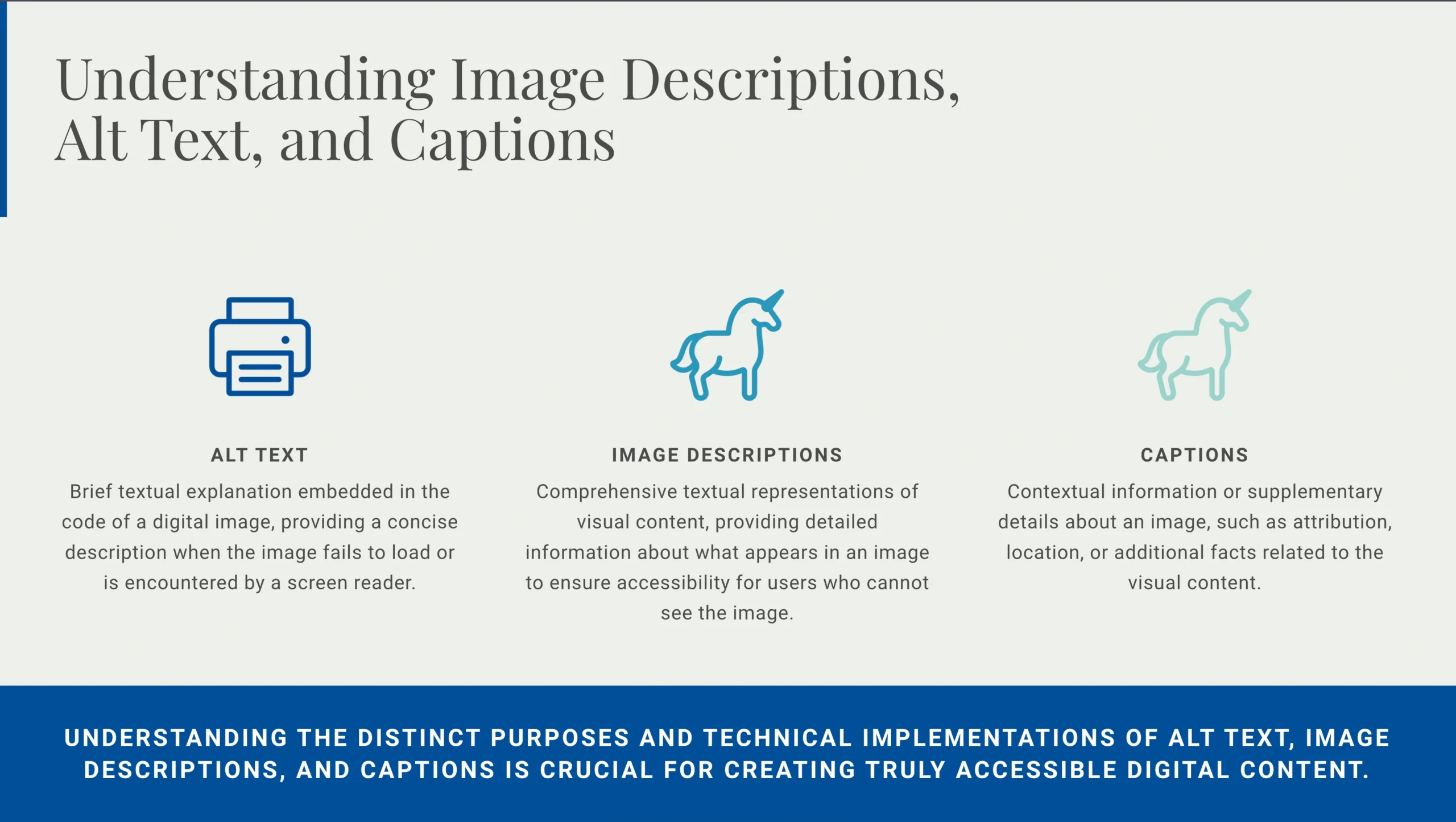
Not every visual element requires a detailed image description. The key question to ask is whether the image conveys information or meaning that is relevant to understanding the content. Decorative images that serve purely aesthetic purposes and do not contribute to comprehension may be marked as decorative in code, allowing screen readers to skip them without confusing users.
However, most images in professional, educational, and informational contexts do require descriptions. This includes photographs, illustrations, diagrams, charts, graphs, maps, infographics, logos with text, screenshots, and any other visual content that contains information or contributes to the message being conveyed. Even seemingly simple images may contain important details that need description.
Consider a photograph accompanying a news article about a protest. Beyond simply stating “photograph of a protest,” an effective image description would include relevant details such as the approximate number of people visible, what signs or banners they are carrying, the setting and weather conditions, and any other visual elements that help readers understand the scene and the story.
Similarly, data visualizations require particularly careful description. A bar chart or line graph contains specific information that must be conveyed textually. The image description should identify the type of chart, explain what data is being presented, describe the axes and scales, and highlight key findings or trends visible in the visualization. For complex data graphics, it may be appropriate to provide the underlying data in a table format as well.
Crafting Effective Image Descriptions
Writing good image descriptions is both an art and a skill that improves with practice. The goal is to provide enough information for someone who cannot see the image to understand what it shows and why it matters, without overwhelming them with excessive or irrelevant details.
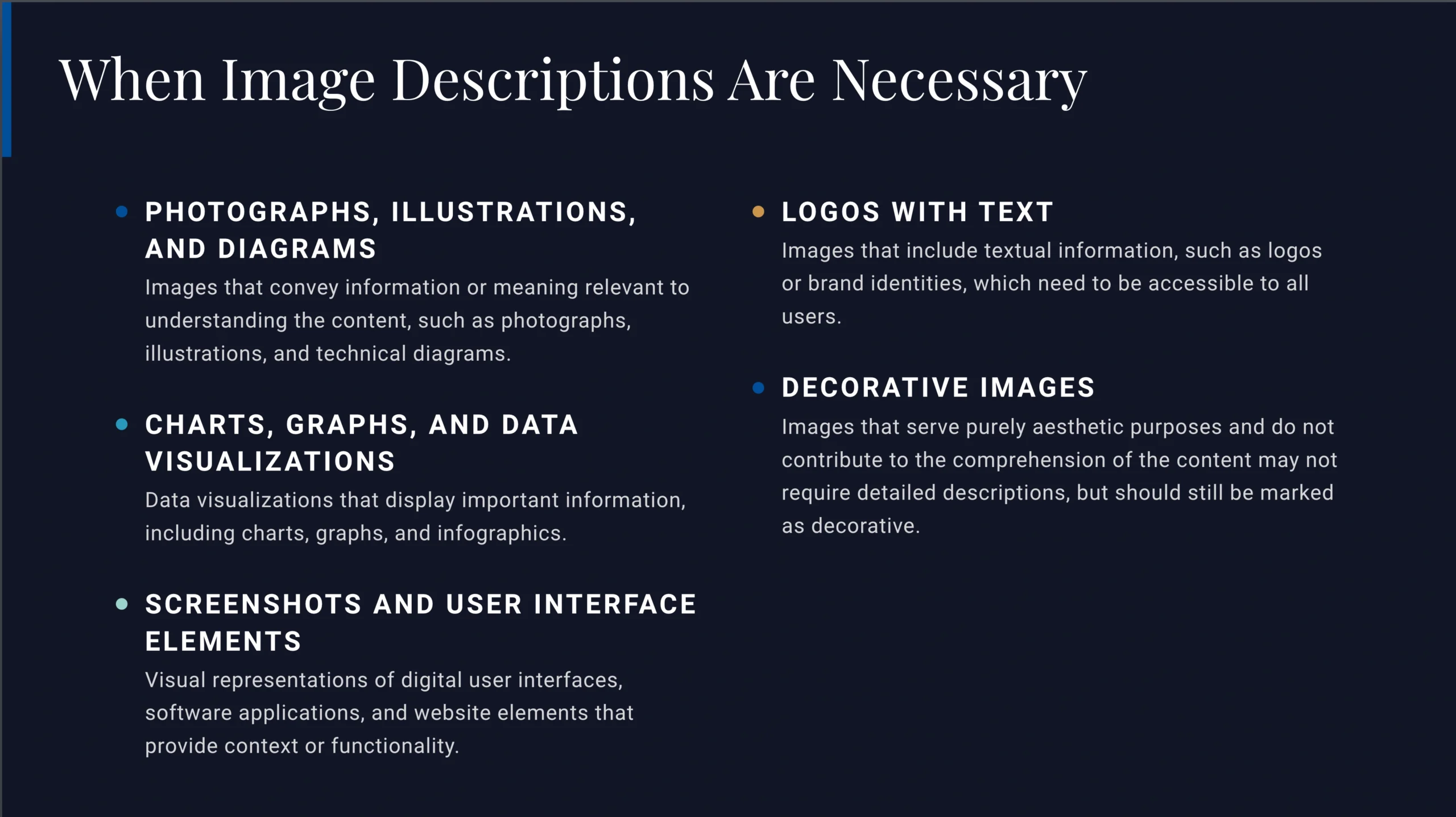
Start by identifying the type of image and its purpose in the context. Is it a photograph, an illustration, a diagram, or something else? What role does it play in the surrounding content? Is it providing evidence, adding emotional impact, displaying data, or serving another function? Understanding the purpose helps determine what information is most important to include.
When describing people in images, approach identity features thoughtfully. Ideally, people should have the opportunity to describe themselves and their desired identity descriptors. When that is not possible, describe observable physical characteristics without making assumptions about identity. For example, rather than assuming someone’s gender, you might describe their hairstyle, clothing, and other visible features, using gender-neutral language unless the person’s identity is known and has been shared with permission.
For photographs and realistic images, describe what is visible in the frame. Include information about the subject, setting, lighting, colors, spatial relationships, and any text or symbols present. Mention emotional content when relevant, such as facial expressions or body language. However, avoid interpreting meaning or assigning emotions beyond what is clearly visible.
Diagrams, charts, and technical illustrations require precision. Identify the type of graphic, explain what it represents, describe key components and their relationships, and highlight important data or patterns. Include any labels, legends, or annotations that appear in the image.
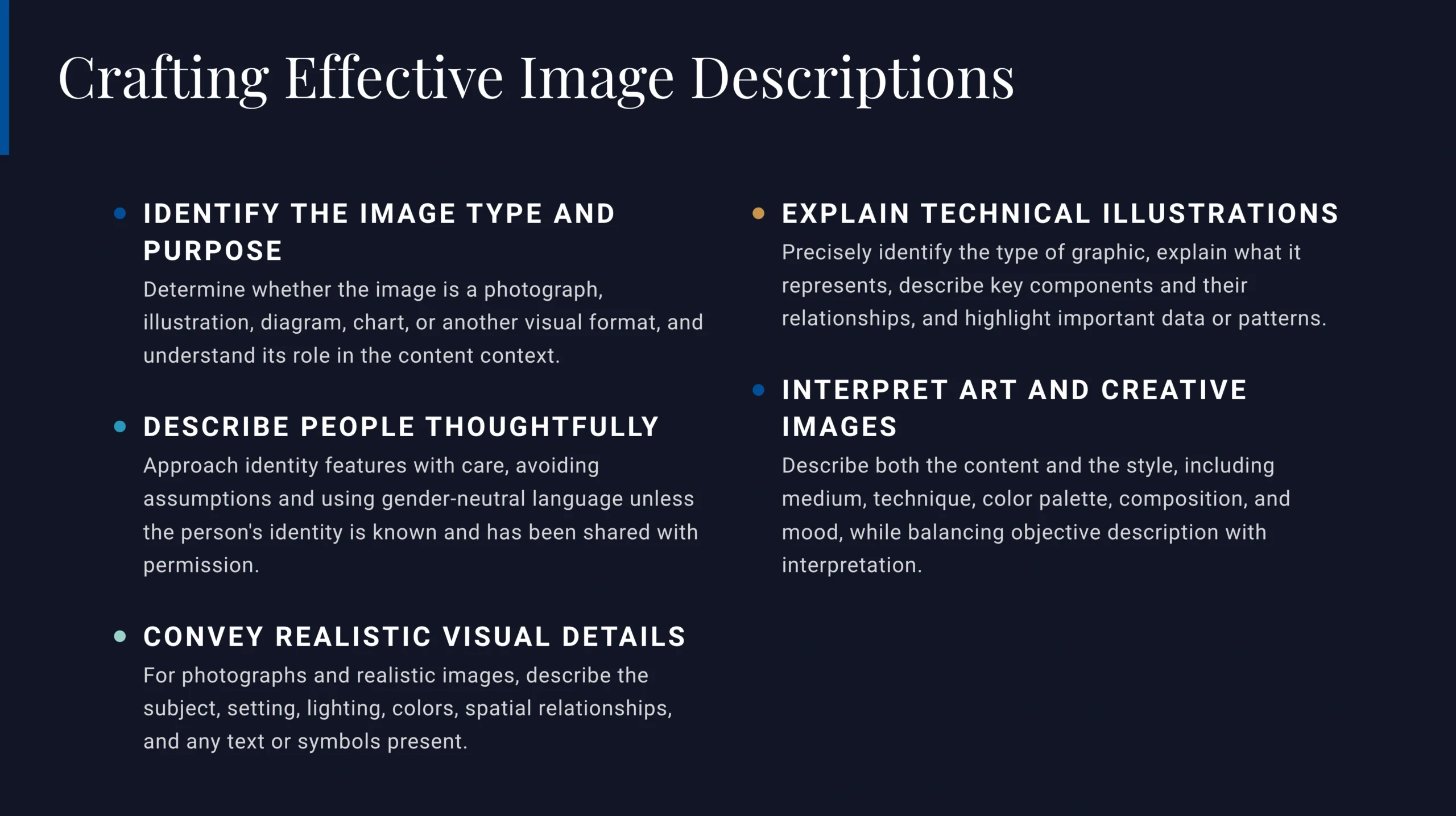
Art and creative images present unique challenges. Describe both the content and the style, including medium, technique, color palette, composition, and mood. Balance objective description with interpretation when appropriate, but clearly distinguish between what is visible and what is being interpreted.
Length and Detail Considerations
One common question about image descriptions concerns length. How detailed should a description be? The answer depends on the complexity of the image, its purpose, and the context in which it appears.
For simple images, brief descriptions may suffice. A straightforward photograph might require only two or three sentences to convey the essential information. However, complex images with multiple elements, detailed visual information, or significant meaning may require longer descriptions, potentially several paragraphs.
Consider your audience and the purpose of the content when deciding on length. Scientific or educational materials may require more technical precision and detail than casual social media posts. However, even in informal contexts, providing adequate description ensures that blind and low vision users can fully participate in the conversation.
When images are particularly complex, such as detailed maps, intricate diagrams, or art with multiple layers of meaning, consider whether a single long description is the best approach or whether the information might be better presented in combination with other formats, such as data tables, audio descriptions, or tactile graphics for print materials.
Technical Implementation and Best Practices
The technical side of implementing image descriptions varies depending on the platform and format. For web content, alt text is added through HTML code using the alt attribute within image tags. Content management systems typically provide fields for entering alt text when uploading images. Social media platforms have increasingly added features for including image descriptions, though the specific methods and character limits vary by platform.
For longer image descriptions that exceed alt text character limits, several approaches are possible. Some platforms support long descriptions through special attributes or linked text. Others allow descriptions to be included in the surrounding body text, with clear indication that the text describes the image. Expandable elements or “describe this image” buttons can provide detailed descriptions without cluttering the visual layout for sighted users.
In PDF documents, proper tagging is essential for accessibility. Images should be tagged appropriately and include alternative text descriptions. Document authoring software like Microsoft Word and Adobe InDesign provide features for adding alt text and accessibility tags that will be preserved when exporting to PDF.
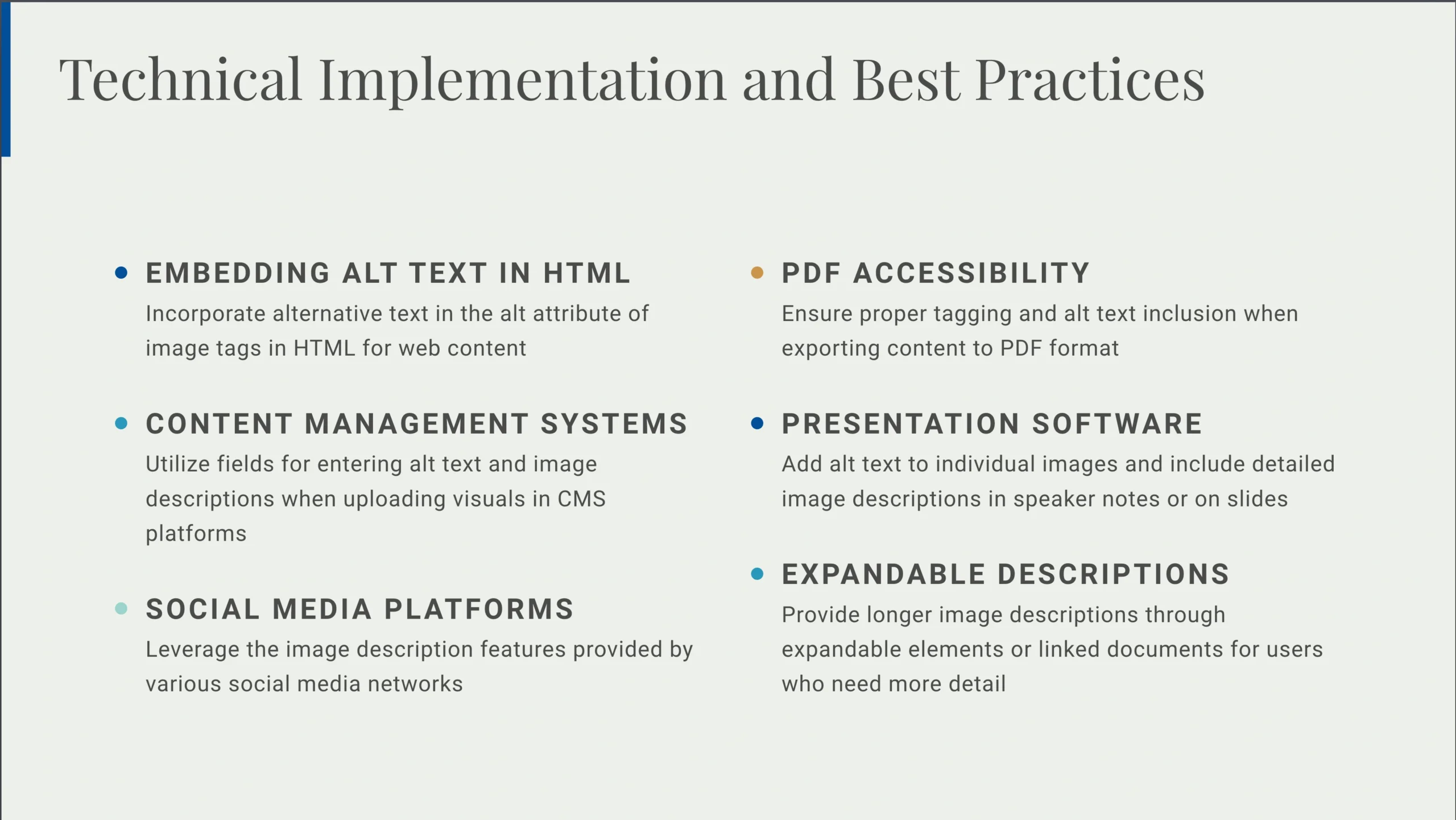
For presentations, image descriptions can be included in speaker notes or on slides themselves, depending on the context and audience needs. Some presentation software allows for alt text on individual images, which can be accessed by screen readers during both creation and delivery of presentations.
The Broader Context: Visual Descriptions and Audio Descriptions
Image descriptions exist within a broader ecosystem of accessibility practices. The term “visual description” serves as an umbrella concept that encompasses both image descriptions and audio descriptions, as well as real-time description of visual contexts.
Audio descriptions provide narrated explanations of visual content in videos, films, and other multimedia products. During pauses in dialogue or natural breaks in the audio, a narrator describes important visual elements such as actions, settings, facial expressions, and other details that are essential to understanding the content. Audio descriptions ensure that blind and low vision audiences can fully engage with video content.
Real-time visual descriptions involve describing visual contexts as they happen, such as describing a space at the beginning of an event, identifying speakers as they take the stage, or narrating visual demonstrations during presentations. These practices are essential for inclusive events and meetings.
Understanding the connections between these different forms of description helps create a more comprehensive approach to accessibility. Each method addresses different needs and contexts, but they all share the common goal of making visual information accessible to everyone.
Practical Examples: Image Descriptions in Action
Understanding the principles of image descriptions is essential, but seeing concrete examples helps solidify these concepts. The following examples demonstrate how to approach different types of visual content, showing the relationship between alt text, image descriptions, and captions.
Example 1: Logo with Text

Visual Content: A company logo featuring a red swirling symbol beside text
Image Description: The American Anthropological Association logo, a red swirling symbol, next to text that reads, “American Anthropological Association – Advancing Knowledge, Solving Human Problems”.
Alt Text: American Anthropological Association (AAA) Logo
Caption: The American Anthropological Association (AAA) logo is used for branding and marketing purposes.
Analysis: Notice how the image description provides detail about both the symbol and the text, while the alt text remains brief and functional. The caption adds context about usage but doesn’t describe visual elements.
Example 2: Portrait Photography

Visual Content: A professional headshot of a person outdoors
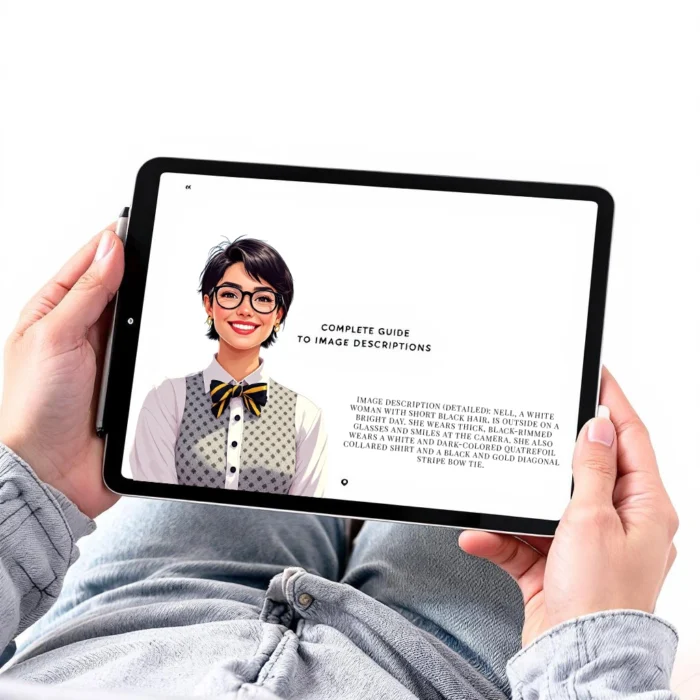
Image Description (Detailed): Nell, a white woman with short black hair, is outside on a bright day. She wears thick, black-rimmed glasses and smiles at the camera. She also wears a white and dark-colored quatrefoil collared shirt and a black and gold diagonal stripe bow tie.
Image Description (Less Detailed): A picture of Nell outside smiling at the camera.
Alternative Image Description (Without Known Identity): Nell, a light-skinned person with short black hair, is outside on a bright day. They wear thick, black-rimmed glasses and smile at the camera. They also wear a white and dark-colored quatrefoil collared shirt and a black and gold diagonal stripe bow tie.
Alt Text: A portrait of Nell.
Caption: AAA’s Accessibility and Meetings Coordinator
Analysis: This example demonstrates how to handle identity descriptors respectfully. When the person’s identity is known, use their preferred descriptors. When unknown, describe observable features using inclusive language.
Example 3: Wildlife Photography

Visual Content: A photograph of gorillas in a zoo setting
Image Description: A baby gorilla sits on a large flat rock surface, holds a bamboo branch in one hand, and hugs a larger gorilla’s leg with the other hand while resting their face against the other gorilla’s leg. Only part of the larger gorilla is visible in the picture.
Alt Text: A picture of a baby gorilla hugging its mother
Caption: A photo of a baby gorilla taken during a visit to the Brookfield Zoo in Chicago, IL.
Analysis: The image description focuses on what is actually visible rather than assumptions. The alt text includes the relationship (mother), which provides context. The caption adds location information that isn’t visually apparent.
Example 4: Technical Photography

Visual Content: A blurry action photograph
Image Description: A blurry photo of the legs of two people going upstairs with silver railing on the left.
Alt Text: Blurry photo of legs
Caption: This photo captures the moment when people are rushing upstairs.
Analysis: Even when images are imperfect, descriptions should note the quality (blurriness) as it’s part of the visual information. The caption explains the intentional nature of the blur.
Example 5: Scientific Diagrams
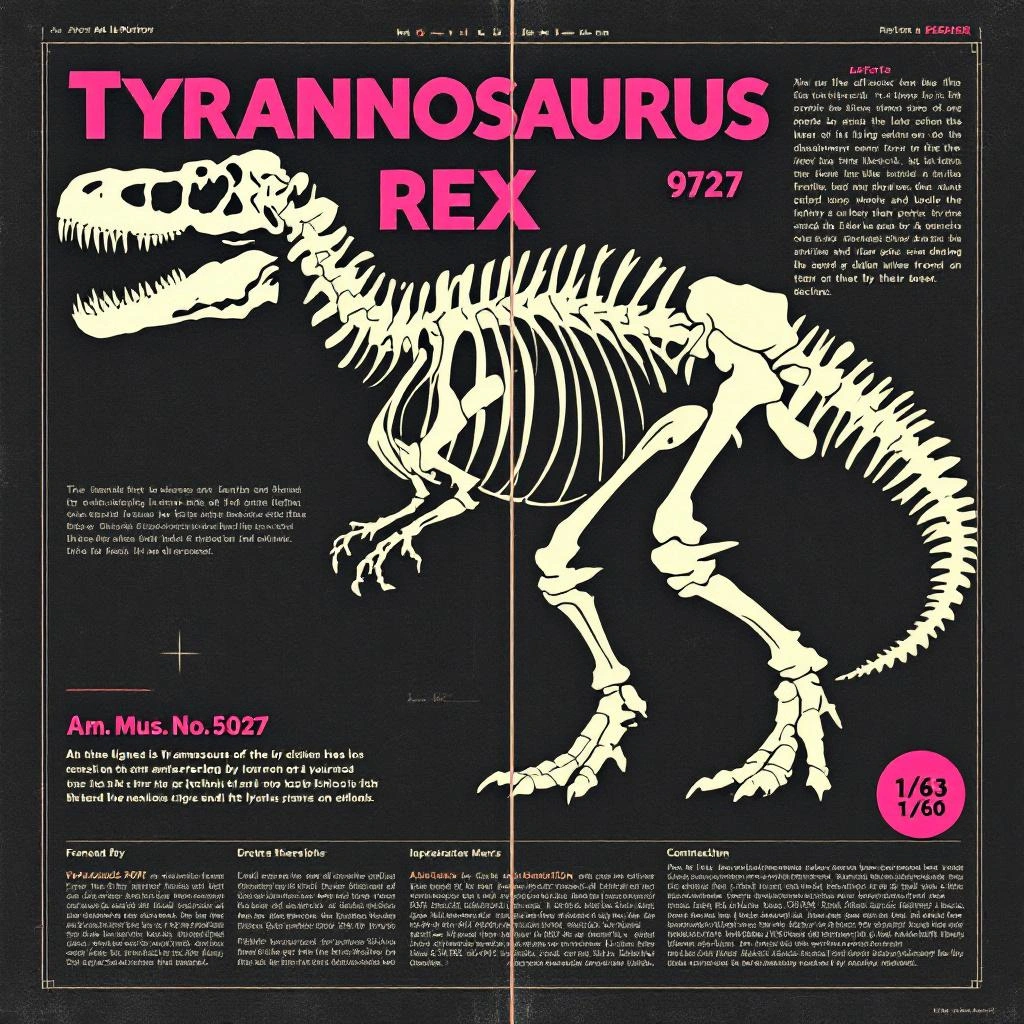
Visual Content: A skeletal diagram with annotations
Image Description: An inaccurate scientific diagram of a t-rex skeleton. The left displays a frontal view of the fossil, and the right displays a left profile shot of the body. Text on the figure reads: “Am. Mus. No. 5027, ” ” ” 973″ and “1/60”.
Alt Text: An inaccurate scientific diagram of a t-rex skeleton
Caption: This inaccurate scientific diagram of a t-rex skeleton is an excellent example of why it is important to confirm the accuracy of your resources prior to publication.
Analysis: When describing technical diagrams, include any text annotations and note important details like accuracy or inaccuracy when relevant to the content’s purpose.
Example 6: Data Visualization – Maps
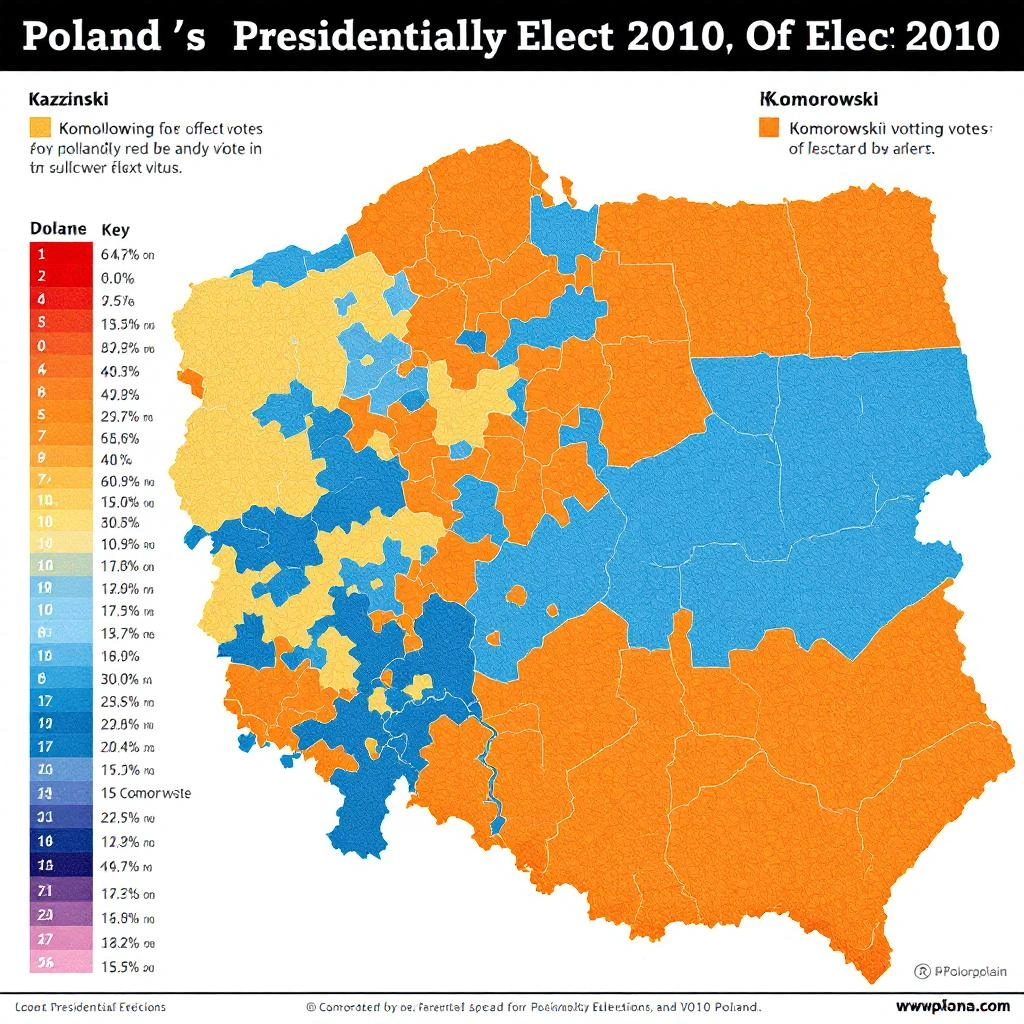
Visual Content: A political election map with colored regions
Image Description: A map of Poland with voting districts outlined. The map outlines the results of the 2010 Presidential elections. The majority of the left side of the map is various shades of orange and the majority of the right side is various shades of blue. A key to the left outlines the shades of blue that represent the percentage of votes won by Komorowski and the shades of orange that represent the percentage of votes won by Kaczyński.
Alt Text: A map of Poland with voting districts filled in with blue or orange.
Caption: This map of Poland displays the results of the 2010 Presidential elections.
Analysis: Maps require careful description of both what is shown and what it represents. Include information about legends and keys, as these are essential for understanding the data.
Example 7: Graphics with Text
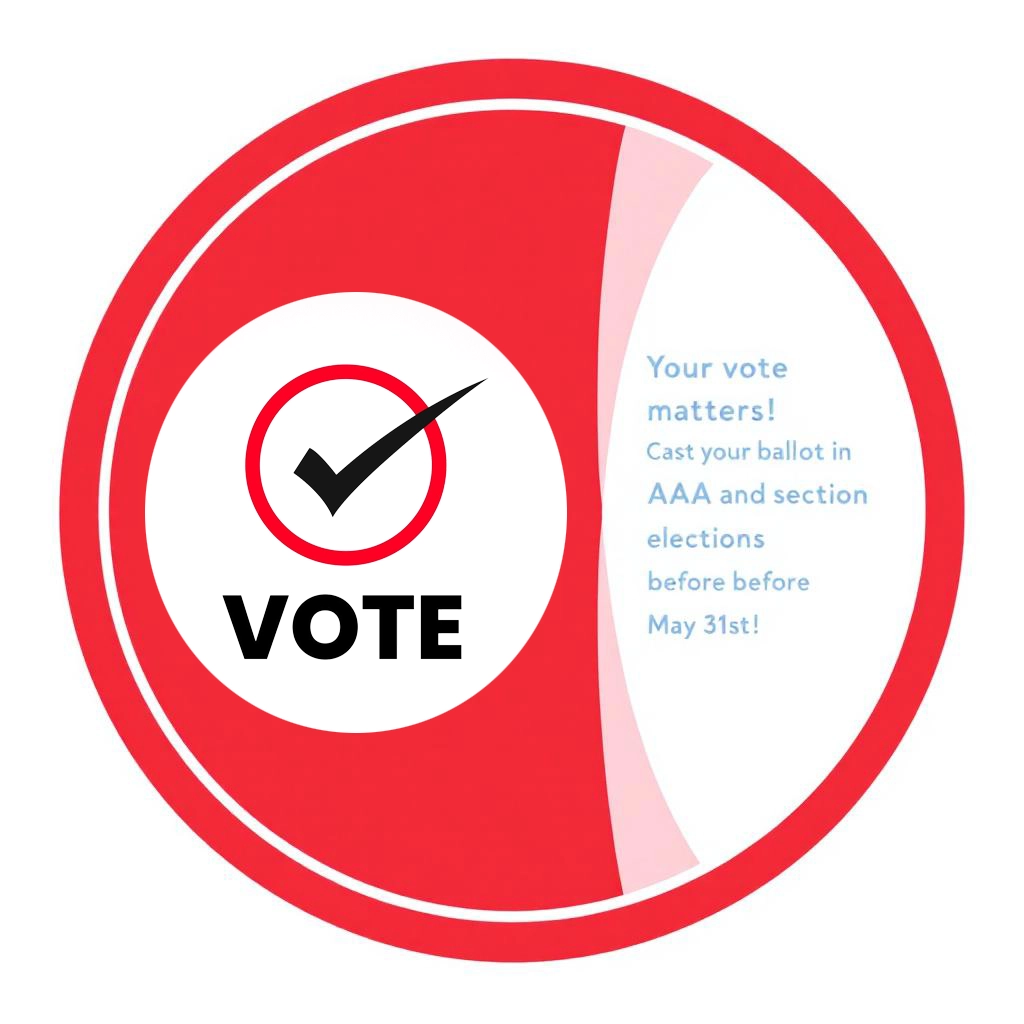
Visual Content: A circular “Vote” graphic with promotional text
Image Description: A red circle with the word “Vote” inside. Right of the circle reads “Your vote matters! Cast your ballot in AAA and section elections before May 31st!”
Alt Text: Your vote matters! Graphic for AAA’s elections
Caption: Make your voice heard! 🗳️ Your vote matters! Don’t forget to cast your ballot in the AAA and section elections before May 31st.
Analysis: When graphics contain important text, that text must be included in the description. The alt text can focus on the main message while the image description provides complete information.
Example 8: Chart or Graph
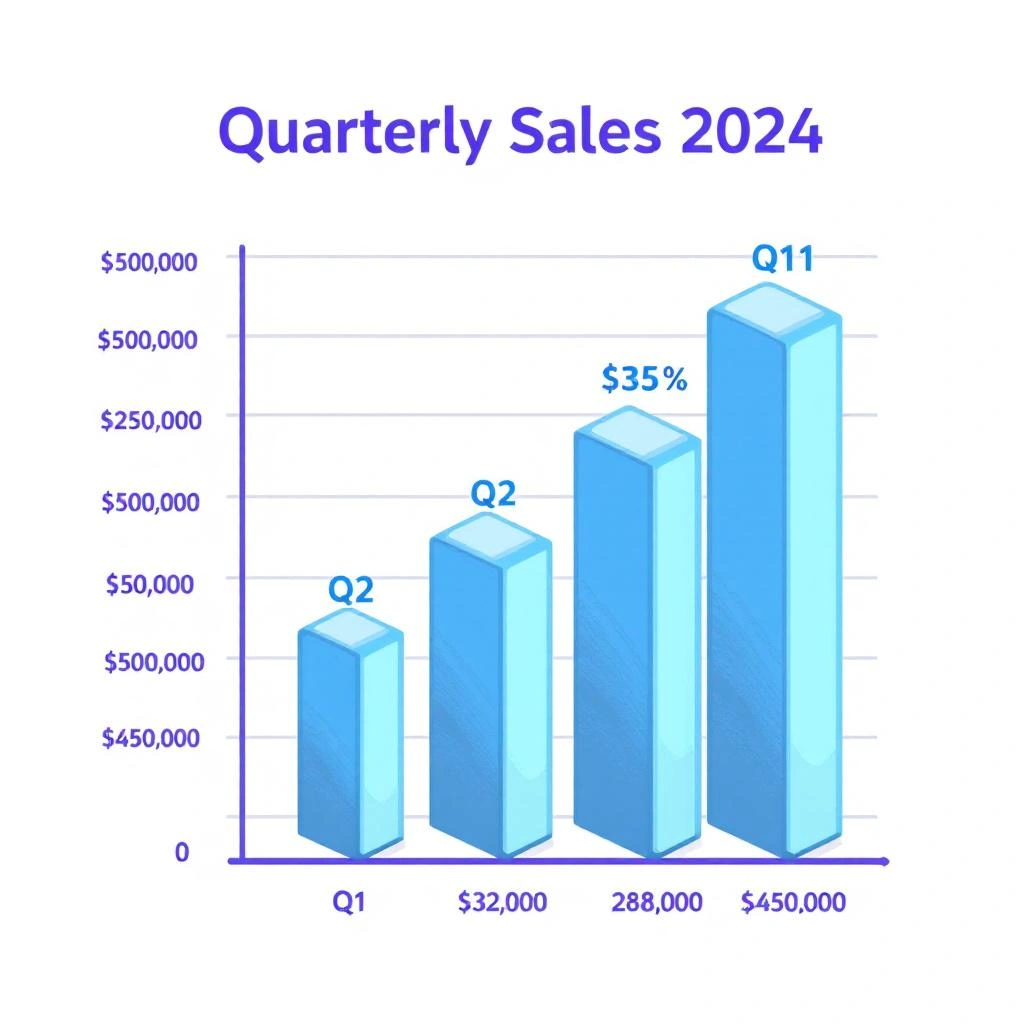
Visual Content: A bar chart showing quarterly sales data
Image Description: A vertical bar chart titled “Quarterly Sales 2024” displays sales figures across four quarters. The y-axis shows dollar amounts from $0 to $500,000 in increments of $100,000. The x-axis shows Q1 through Q4. Blue bars represent the following values: Q1 shows approximately $250,000, Q2 shows $320,000, Q3 shows $280,000, and Q4 shows $450,000. Q4 represents the highest sales quarter.
Alt Text: Bar chart showing quarterly sales growth in 2024
Caption: Company sales increased significantly in Q4 due to holiday promotions.
Analysis: Data visualizations should describe the type of chart, what the axes represent, the data values, and any notable trends or patterns visible in the visualization.
Example 9: Infographic
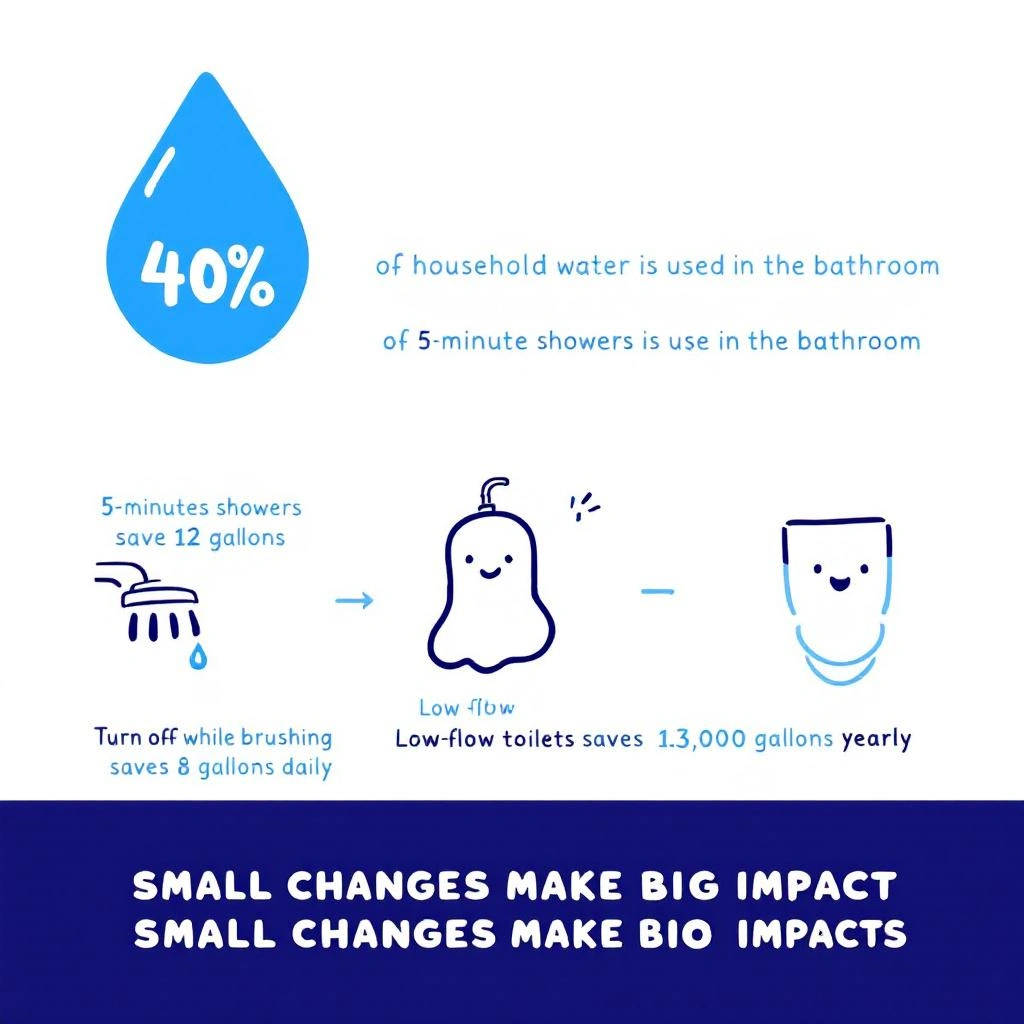
Visual Content: A multi-element infographic about water conservation
Image Description: An infographic titled “Save Water at Home” with a light blue background. At the top, a water drop icon contains the number “40%” with text below stating “of household water is used in the bathroom.” The middle section shows three illustrated icons in a row: a showerhead with “5-minute showers save 12 gallons,” a faucet with “Turn off while brushing saves 8 gallons daily,” and a toilet with “Low-flow toilets save 13,000 gallons yearly.” The bottom features a dark blue bar with white text reading “Small changes make big impacts.”
Alt Text: Infographic about water conservation tips for homes
Caption: Simple daily habits can significantly reduce household water consumption.
Analysis: Infographics with multiple elements require systematic description. Organize the description logically, typically top to bottom or left to right, and include all text and numerical data.
Example 10: Social Media Content

Visual Content: A casual photograph shared on social media
Image Description: A close-up photo of a latte in a white ceramic cup on a wooden table. The foam features latte art in the shape of a heart. Sunlight streams across the table from the left side, creating warm shadows. A partially visible hand wearing a silver ring holds the cup handle.
Alt Text: Latte with heart-shaped foam art on a sunny morning
Caption: Perfect way to start a Monday ☕ #coffeelife #mondaymotivation
Analysis: Even casual social media content deserves good descriptions. Include relevant details about the scene, lighting, and composition while keeping the tone appropriate to the platform.
Common Pitfalls and How to Avoid Them
Several common mistakes can undermine the effectiveness of image descriptions. Being aware of these pitfalls helps create better, more useful descriptions.
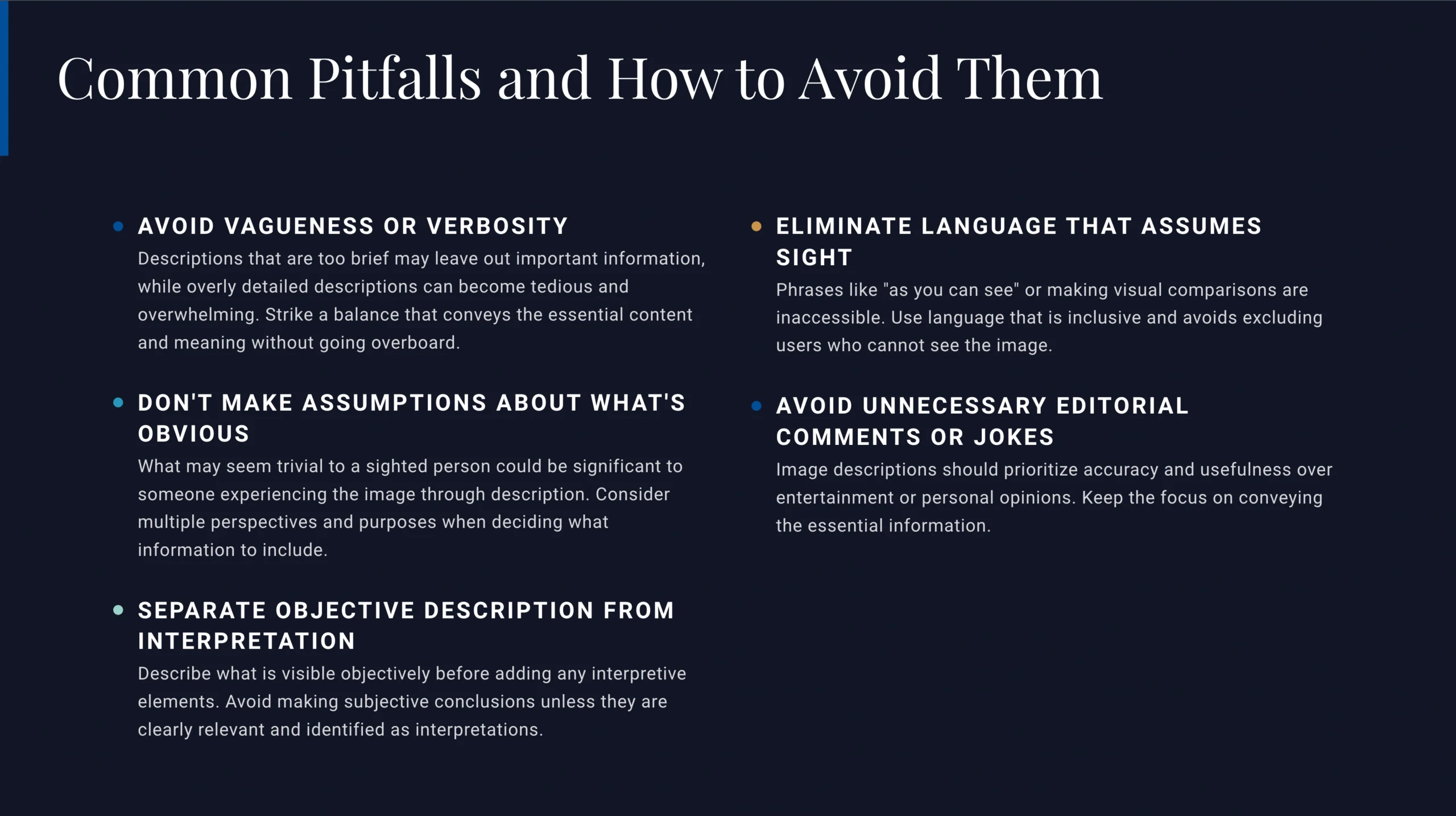
Avoid being too vague or too verbose. Descriptions that are too brief may leave out important information, while overly detailed descriptions can become tedious and make it difficult to identify the most relevant information. Strike a balance that conveys the essential content and meaning without overwhelming the reader.
Do not make assumptions about what information is obvious or unimportant. What seems trivial to a sighted person might be significant to someone experiencing the image through description. Consider multiple perspectives and purposes when deciding what to include.
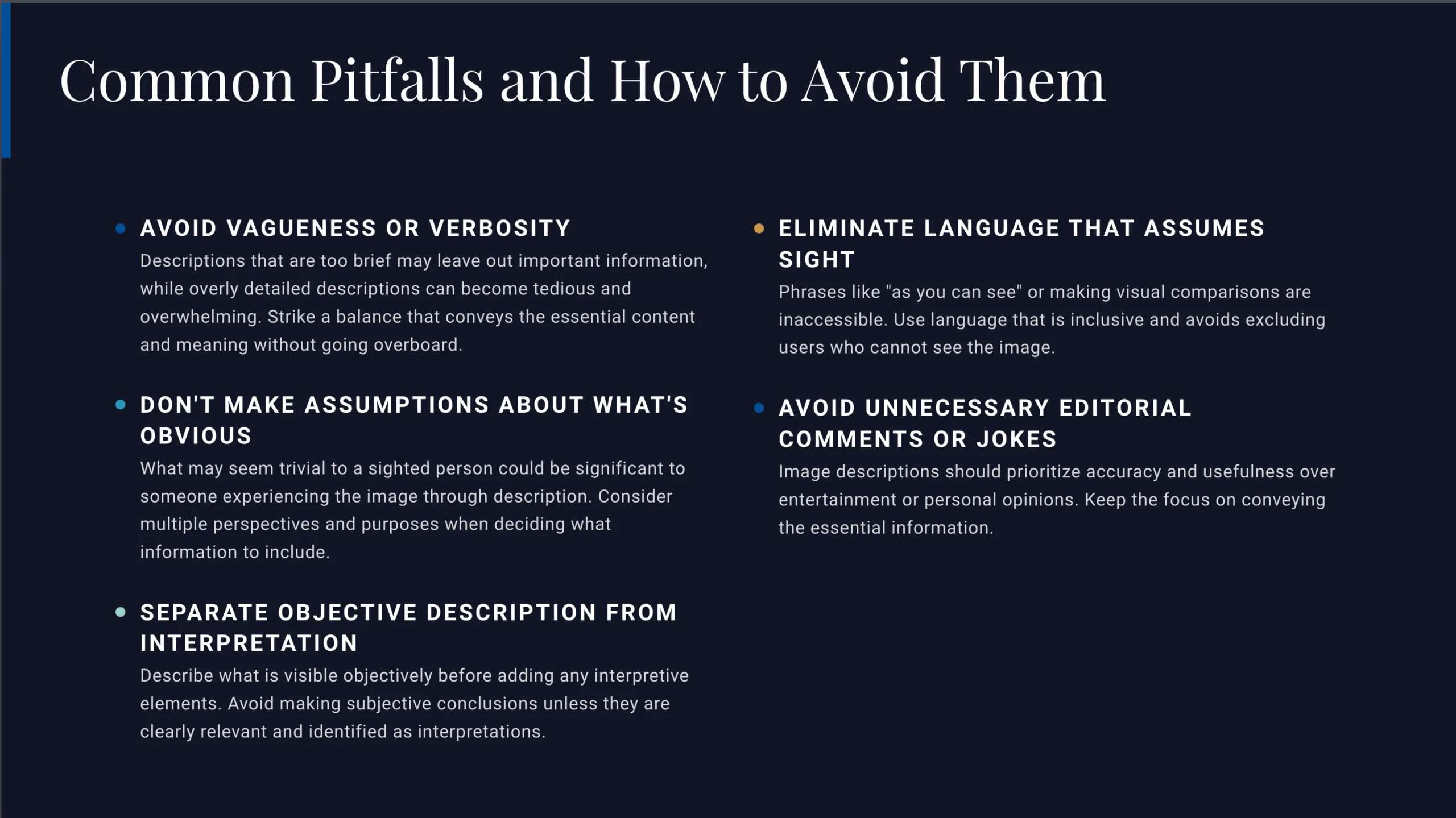
Avoid subjective interpretations unless they are clearly relevant and properly identified as interpretations. Describe what is visible objectively before adding interpretive elements. For example, describe facial features and body language before concluding that someone “looks happy.”
Be careful with language that assumes sight or makes visual comparisons inaccessible. Phrases like “as you can see” or “clearly visible” are not helpful. Similarly, describing something by comparing it to another visual element that also requires description creates circular references that do not actually convey information.
Do not use image descriptions as an opportunity to insert jokes, unnecessary editorial comments, or personal opinions. While personality in writing can be appropriate in some contexts, image descriptions should prioritize accuracy and usefulness over entertainment.
The Practice of Creating Image Descriptions
Like any skill, creating effective image descriptions requires practice and refinement. Many people find that their descriptions improve significantly after writing just a few dozen. The process of thinking carefully about what is visible in an image and how to convey that information in words develops both observational skills and writing precision.
Consider starting a personal practice of describing images you encounter in your daily digital activities. Social media posts, news articles, and professional materials all provide opportunities to mentally compose or write out descriptions. Compare your descriptions with examples from accessibility experts to identify areas for improvement.
Seek feedback from blind and low vision individuals when possible. They are the primary users of image descriptions and can provide invaluable insights into what information is most useful and how descriptions can be improved. Many accessibility consultants and advocates are willing to provide feedback or guidance on image description practices.
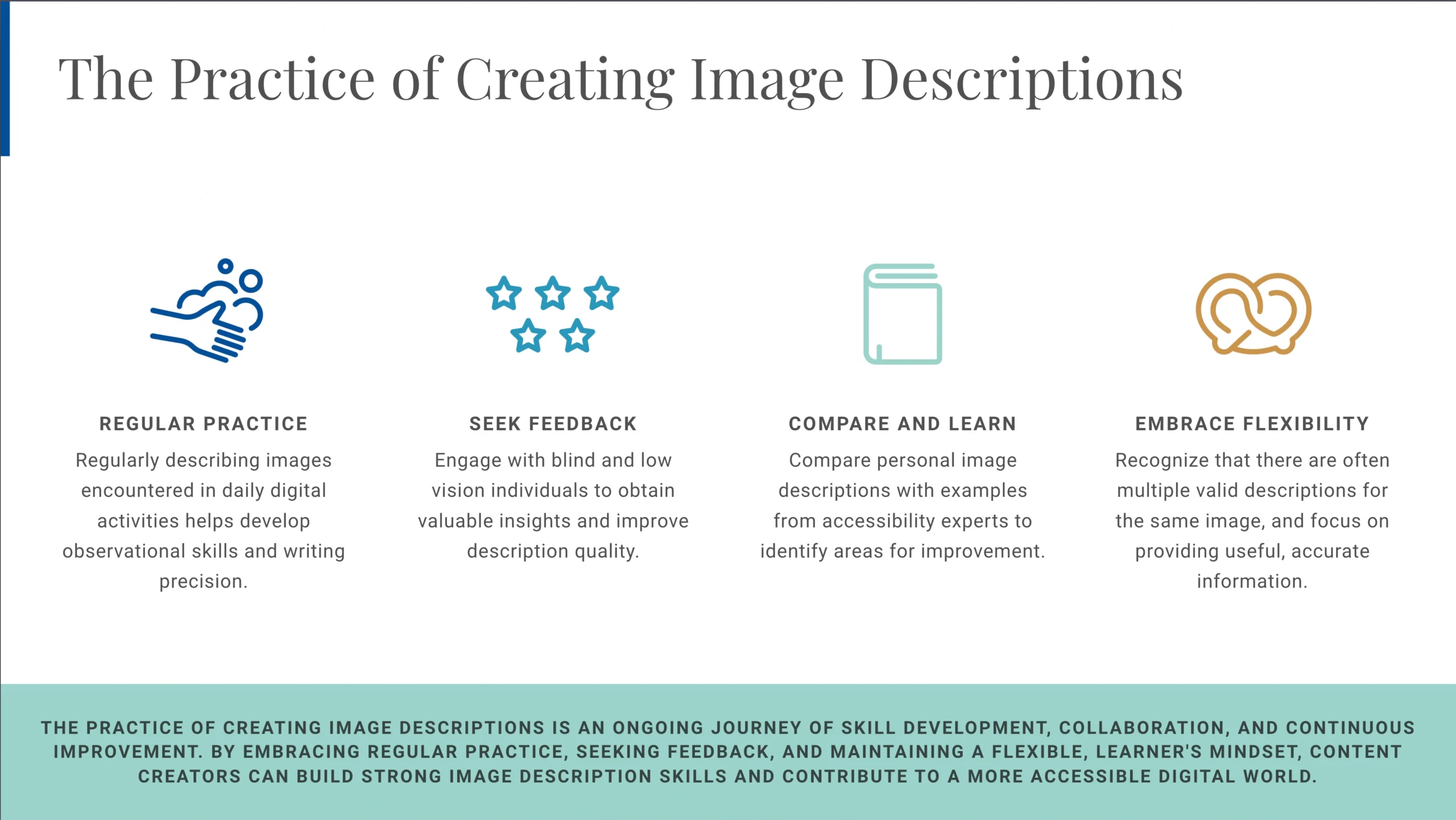
Remember that there is rarely one perfect description for any image. Different describers may emphasize different details or use different approaches, and multiple valid descriptions of the same image are possible. The goal is not perfection but rather providing useful, accurate information that makes visual content accessible.
The Impact of Image Descriptions on Accessibility and Inclusion
The practice of creating image descriptions extends far beyond technical compliance with accessibility guidelines. It represents a fundamental shift in how we think about content creation and audience engagement. When content creators consistently include image descriptions, they send a powerful message that blind and low vision users are valued members of their audience.
Image descriptions also benefit many people beyond those who are blind or have low vision. Users in situations where images cannot be displayed, such as when using low-bandwidth connections or when images fail to load, can still access information through descriptions. People with certain cognitive disabilities may find text descriptions easier to process than visual information. Image descriptions also make content more searchable and can improve search engine optimization.
Furthermore, the practice of creating image descriptions can improve visual literacy and communication skills for content creators. The act of carefully describing an image requires close observation and clear communication of visual information. These skills transfer to other areas of communication and content creation.
Moving Forward: Building a Culture of Accessibility
As awareness of digital accessibility grows, image descriptions are becoming increasingly standard practice across industries and platforms. Social media networks have added features for descriptions, publishers are implementing accessibility guidelines, and organizations are training staff on inclusive content creation practices.
However, the responsibility for accessibility does not rest solely with institutions and corporations. Individual content creators, from bloggers to social media users, can contribute to a more accessible digital environment by including image descriptions in their own content. Every described image represents progress toward a more inclusive digital world.
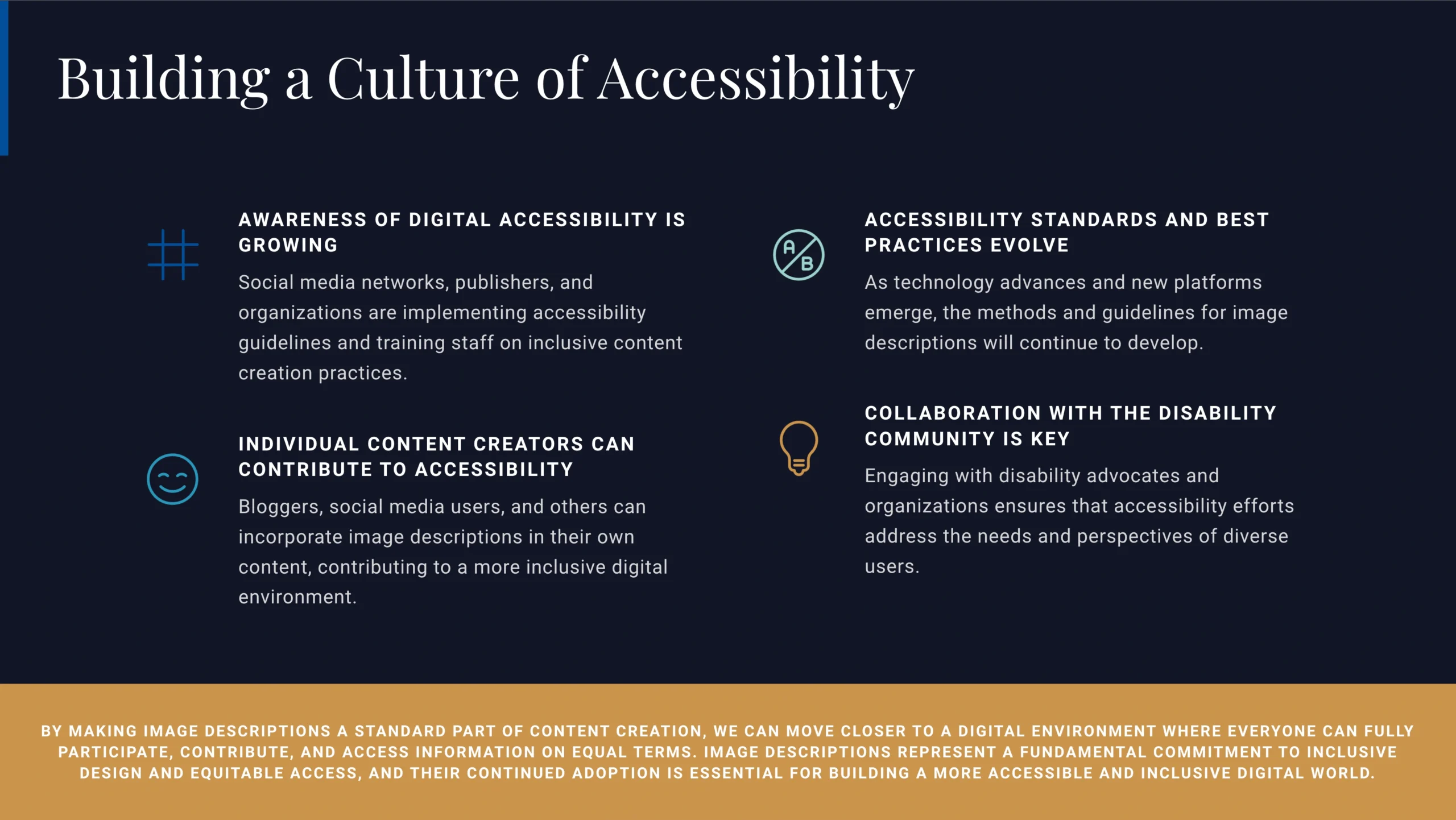
The journey toward comprehensive accessibility is ongoing. As technology evolves and new platforms emerge, the methods and best practices for implementing image descriptions will continue to develop. Staying informed about accessibility standards, engaging with the disability community, and maintaining a commitment to inclusive design ensures that progress continues.
Image descriptions represent more than a technical requirement or accessibility feature. They embody a commitment to ensuring that information and communication are truly accessible to everyone, regardless of how they perceive the visual world. By making image descriptions a standard part of content creation, we move closer to a digital environment where everyone can fully participate, contribute, and access information on equal terms.

I’m a flexible writer and good at making content. People know me for my interesting stories and social media posts. I interact with a wide range of people on a variety of platforms because I can write stories that are both interesting and thought-provoking. My writing covers a range of genres, and I use emotional depth and incisive observation to make stories and articles that stick with individuals. In addition to writing, I love helping other authors get started and am involved in literary communities through events and seminars. When I’m not writing, I like to spend time outside and find inspiration in daily things.
Leave a Reply